Filters
The Filters module computes geometric placement quality filters
on the current structure. Each action produces a scalar field on the
blocks, which can be visualized through the Change color
scale action of the Header.
The tab is displayed as a grid (11 buttons) rather than a list, to ease quick filter selection.
Visualize a filter
Once a filter is computed, open the Change color
scale action (Ctrl+L) and pick the
filter name in the scalar field list to color the blocks.
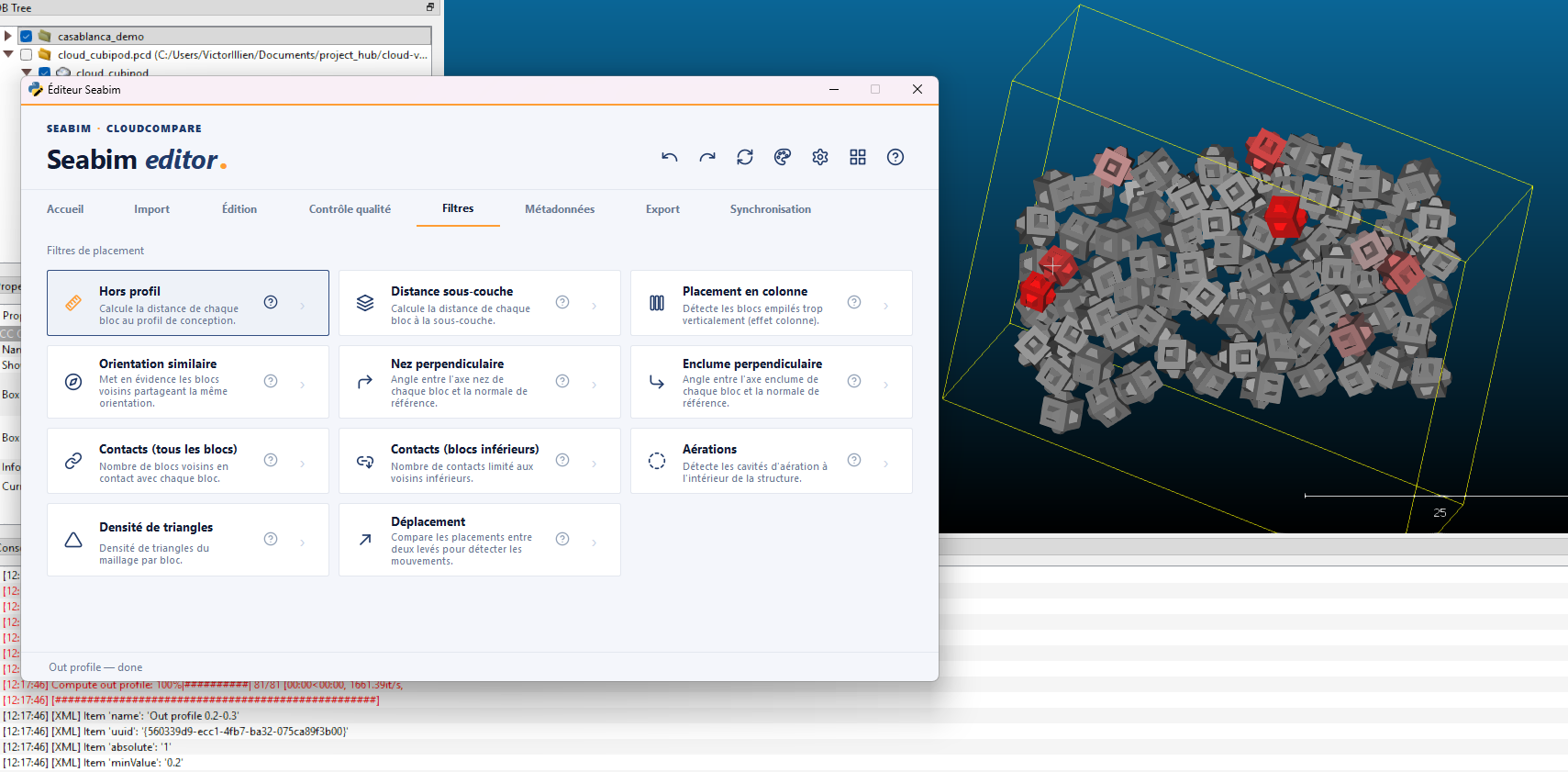
Out profile
Computes the out-of-profile distance: distance from a block to the mean plane formed by its neighbors. Lets you spot blocks too prominent or too recessed compared to their neighbors.
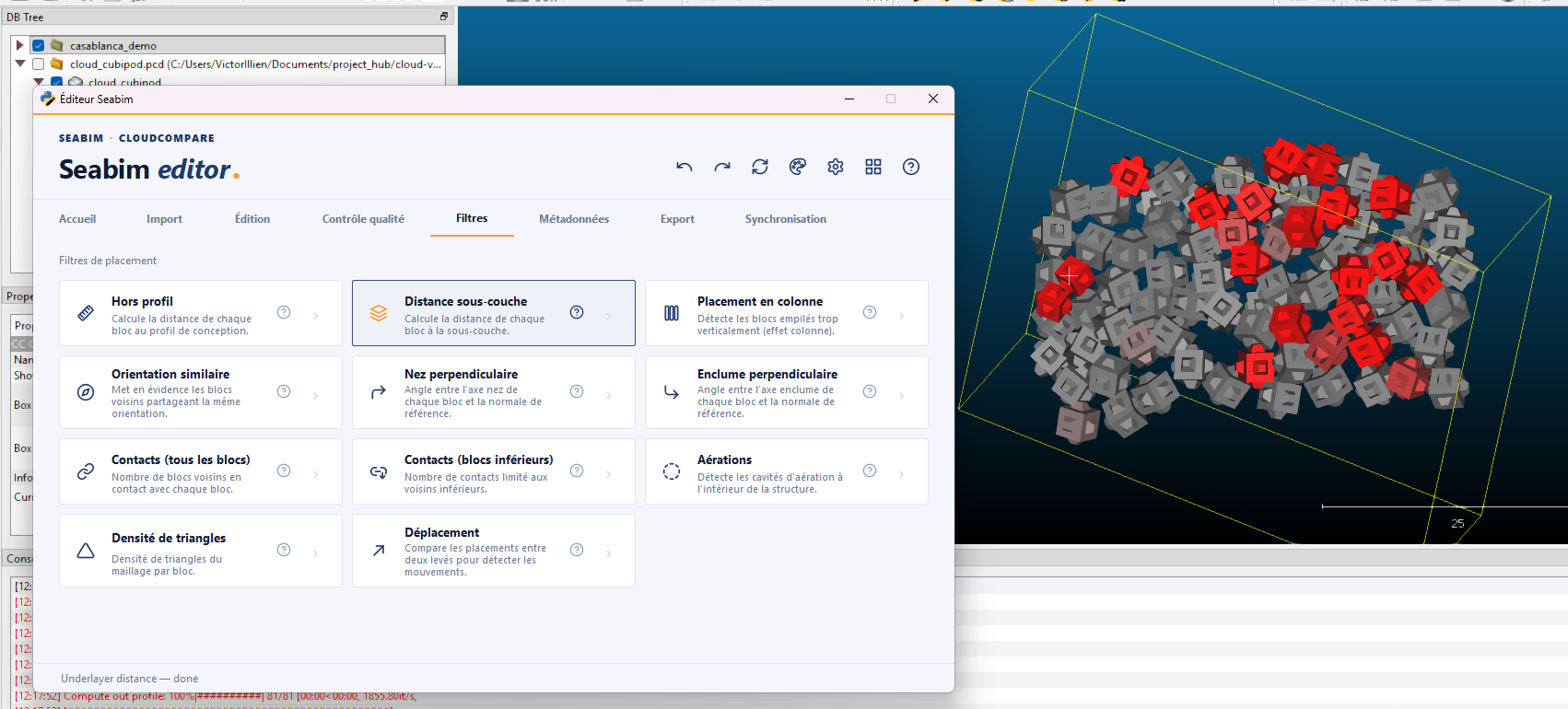
Underlayer distance
Computes the distance between each block and the underlying surface (underlayer). Useful to verify that the blocks correctly rest on the lower layer of the breakwater.
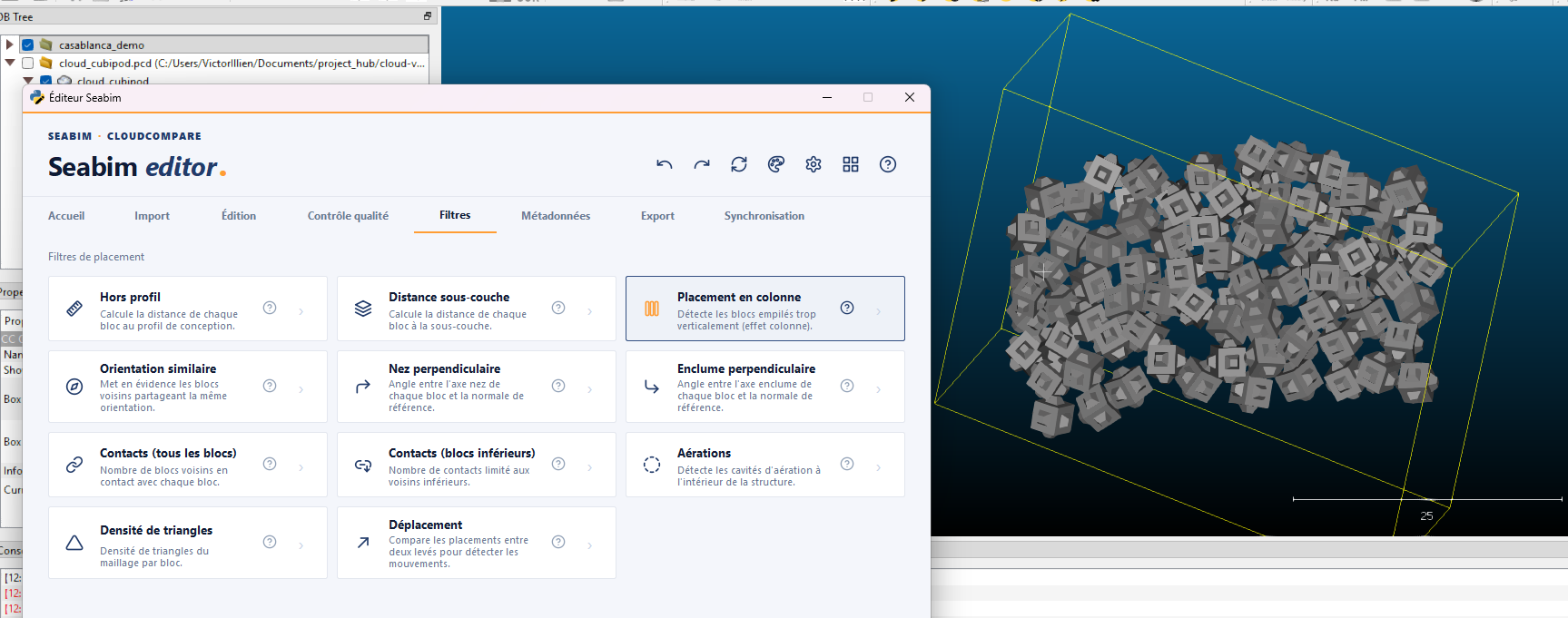
Column placement
Highlights pairs of neighboring blocks stacked vertically one above the other. A column placement is a defect: forces don't redistribute properly between layers.
Similar orientation
Highlights pairs of neighboring blocks sharing the same orientation. A too-homogeneous orientation between immediate neighbors can be a placement defect (the alternation of orientations contributes to stability).
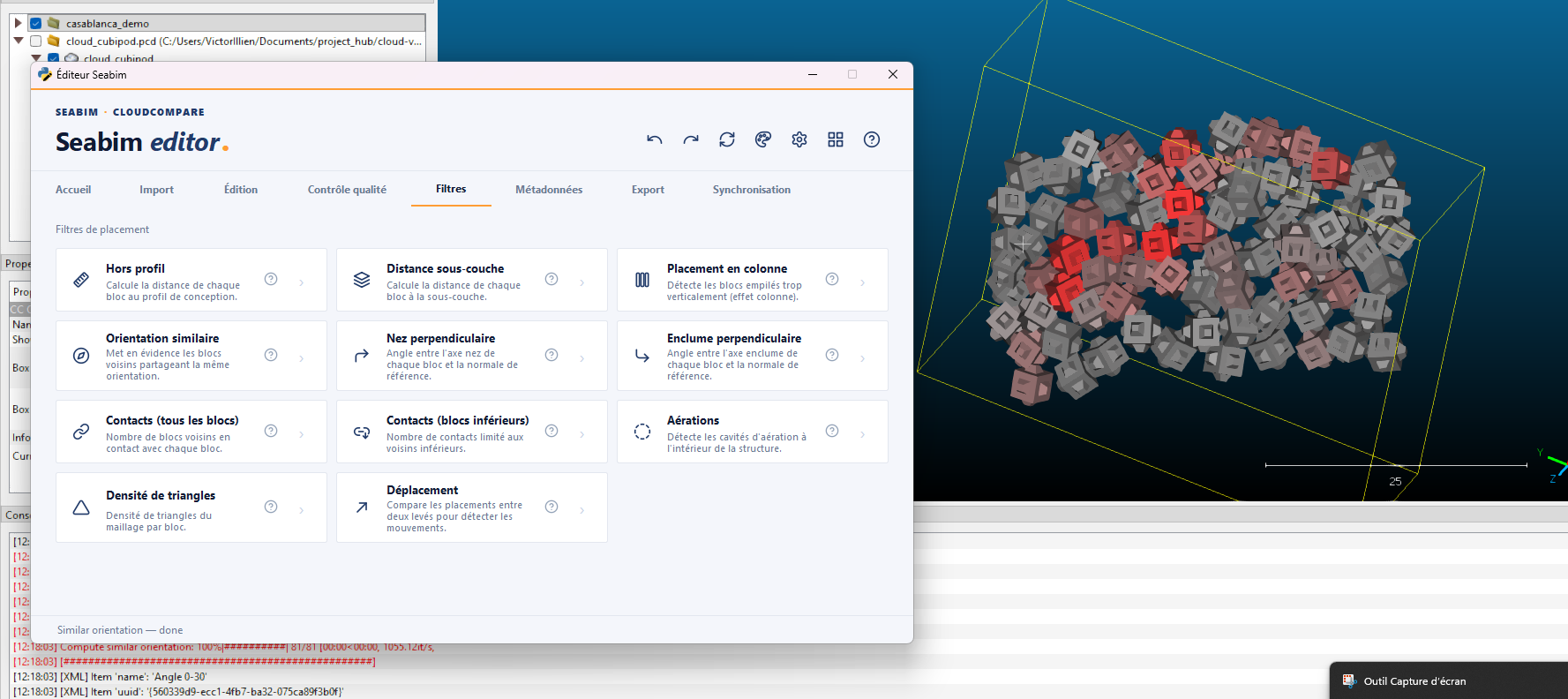
Perpendicular nose
Computes the angle between each block's "nose" axis and the reference slope normal. Lets you verify that block noses are oriented perpendicular to the slope (optimal theoretical orientation).
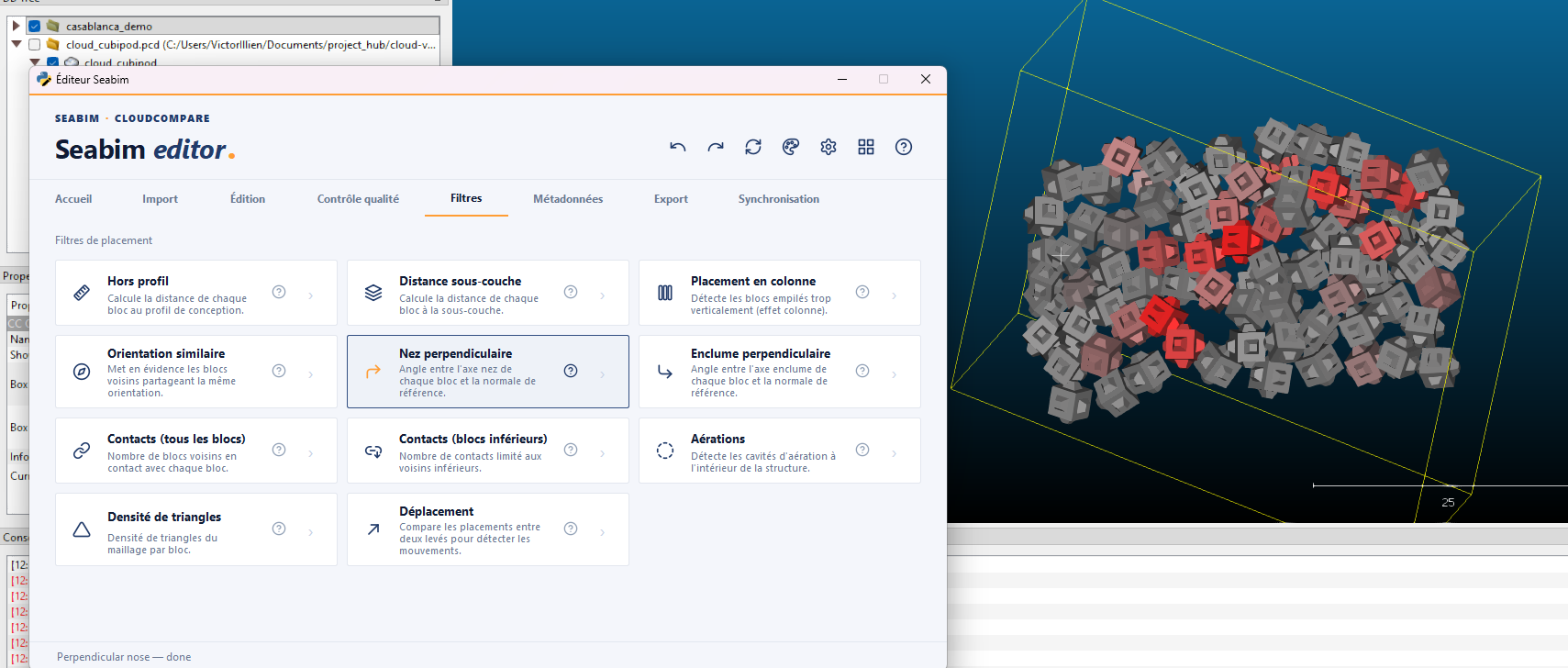
Perpendicular anvil
Same as Perpendicular nose but on the "anvil"
axis of the block.
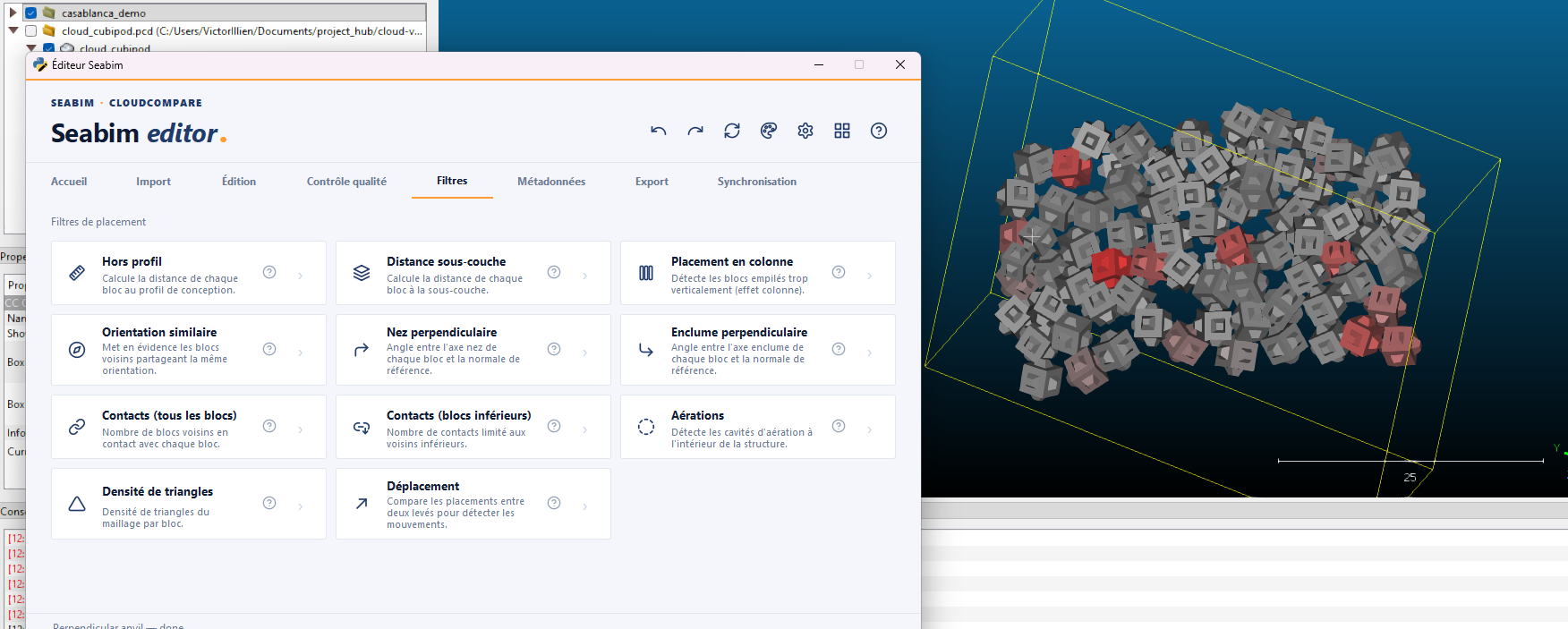
Contacts (All blocks)
Computes the number of blocks in contact with each block. A block with too few contacts is poorly stabilized; a high number can indicate a too-dense zone.
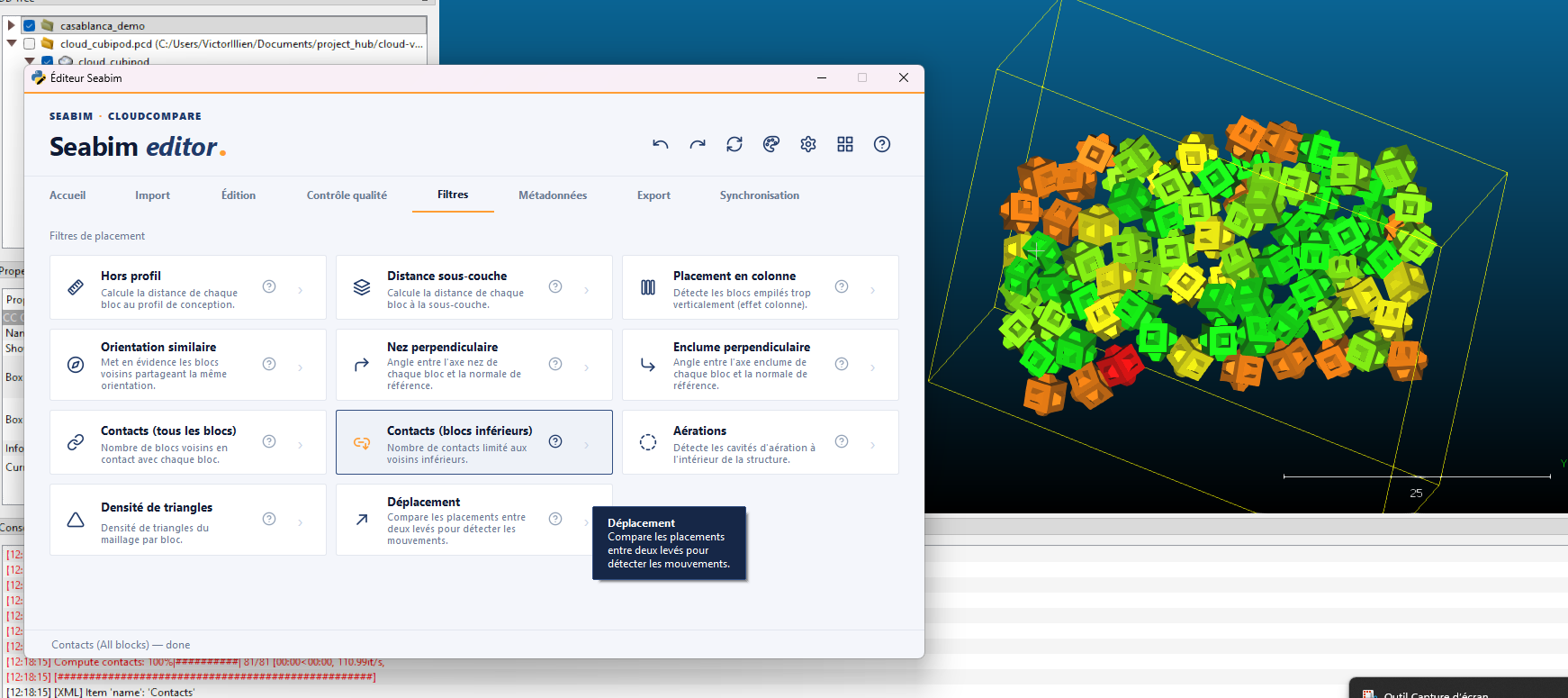
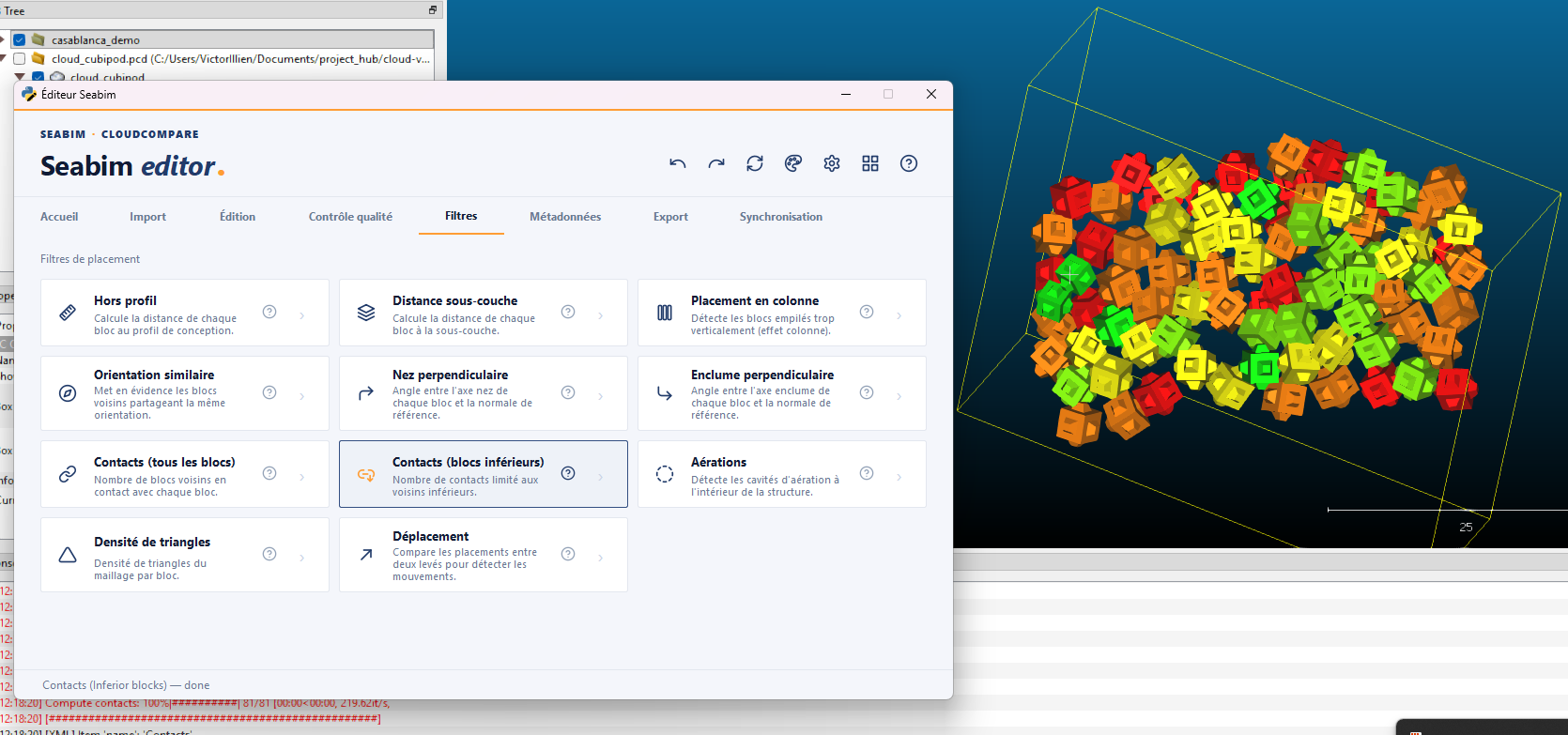
Contacts (Inferior blocks)
Variant of Contacts (All blocks) that restricts
the count to blocks located in lower layers. Isolates the structural
supports without noise from lateral or upper blocks.
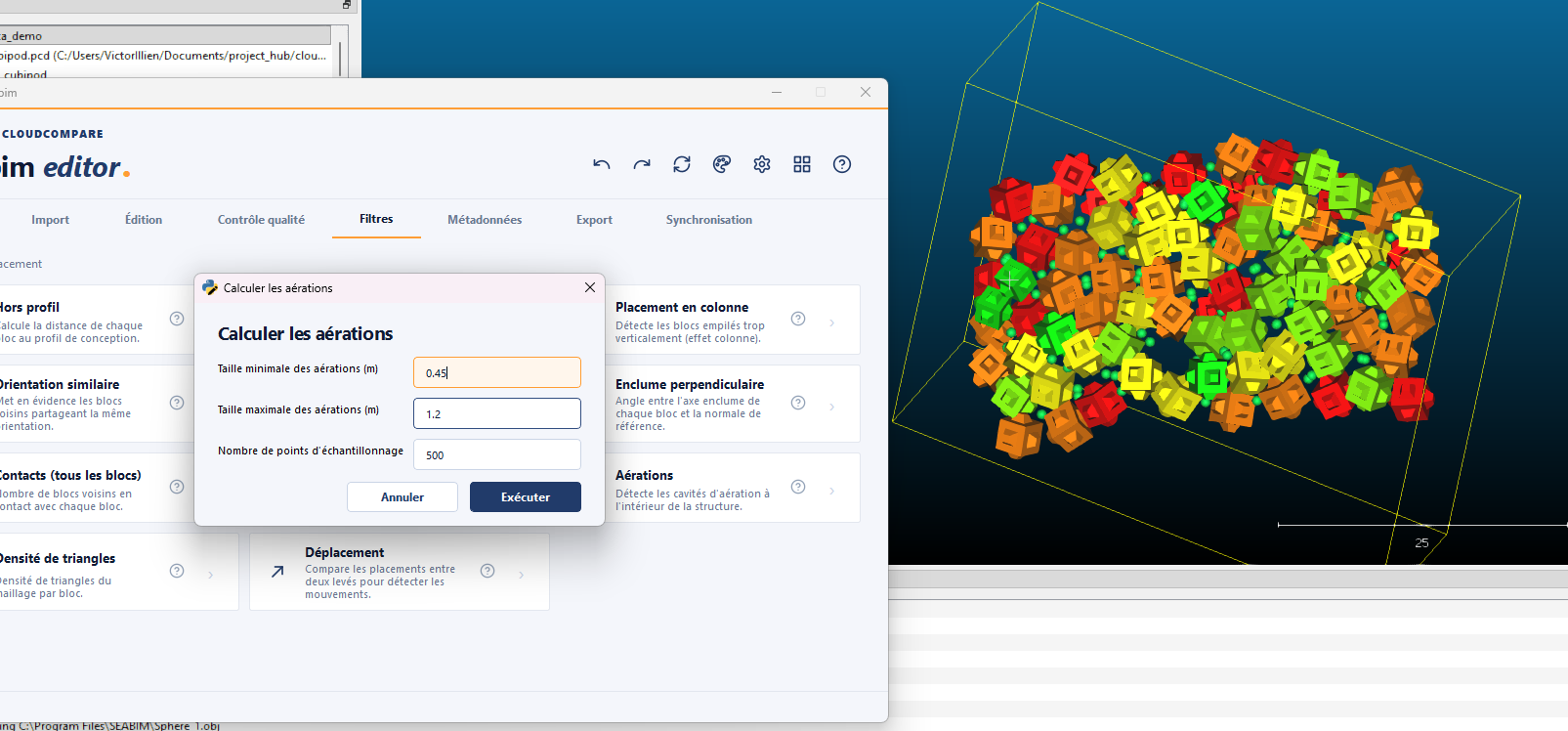
Voids
Detects aeration cavities inside the structure: zones where the absence of blocks creates a void unplanned by the design.
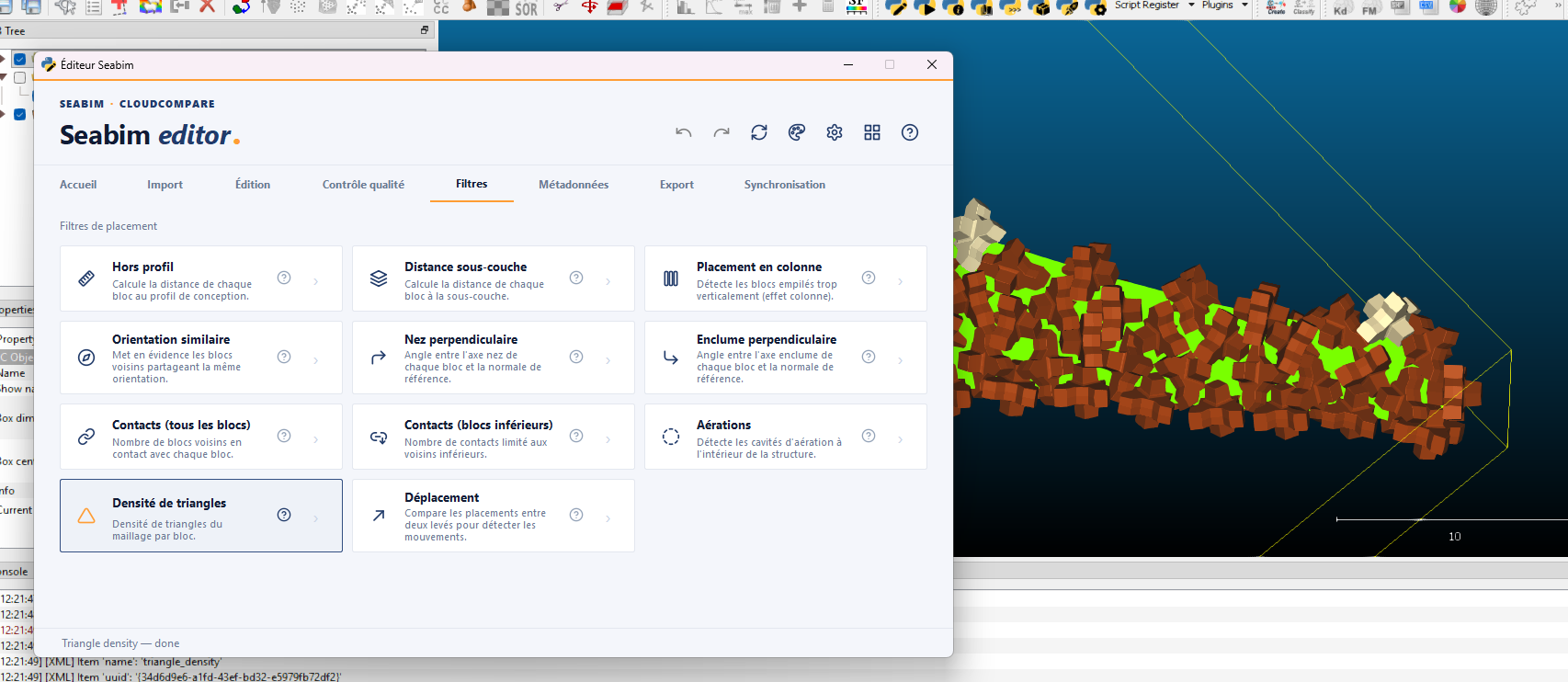
Triangle density
Computes the mesh triangle density per block. A control metric: a block whose triangle density strongly diverges from the mean often signals a geometric issue (deformed block, wrong type).
Displacement
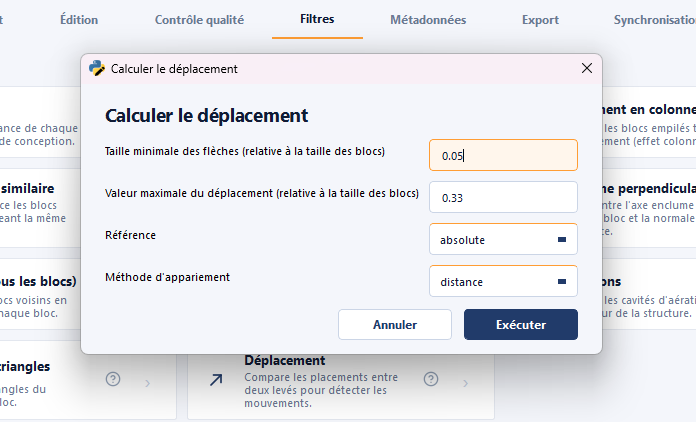
Computes the displacement of blocks against a reference structure (typically the previous survey), to spot movements between two campaigns.